
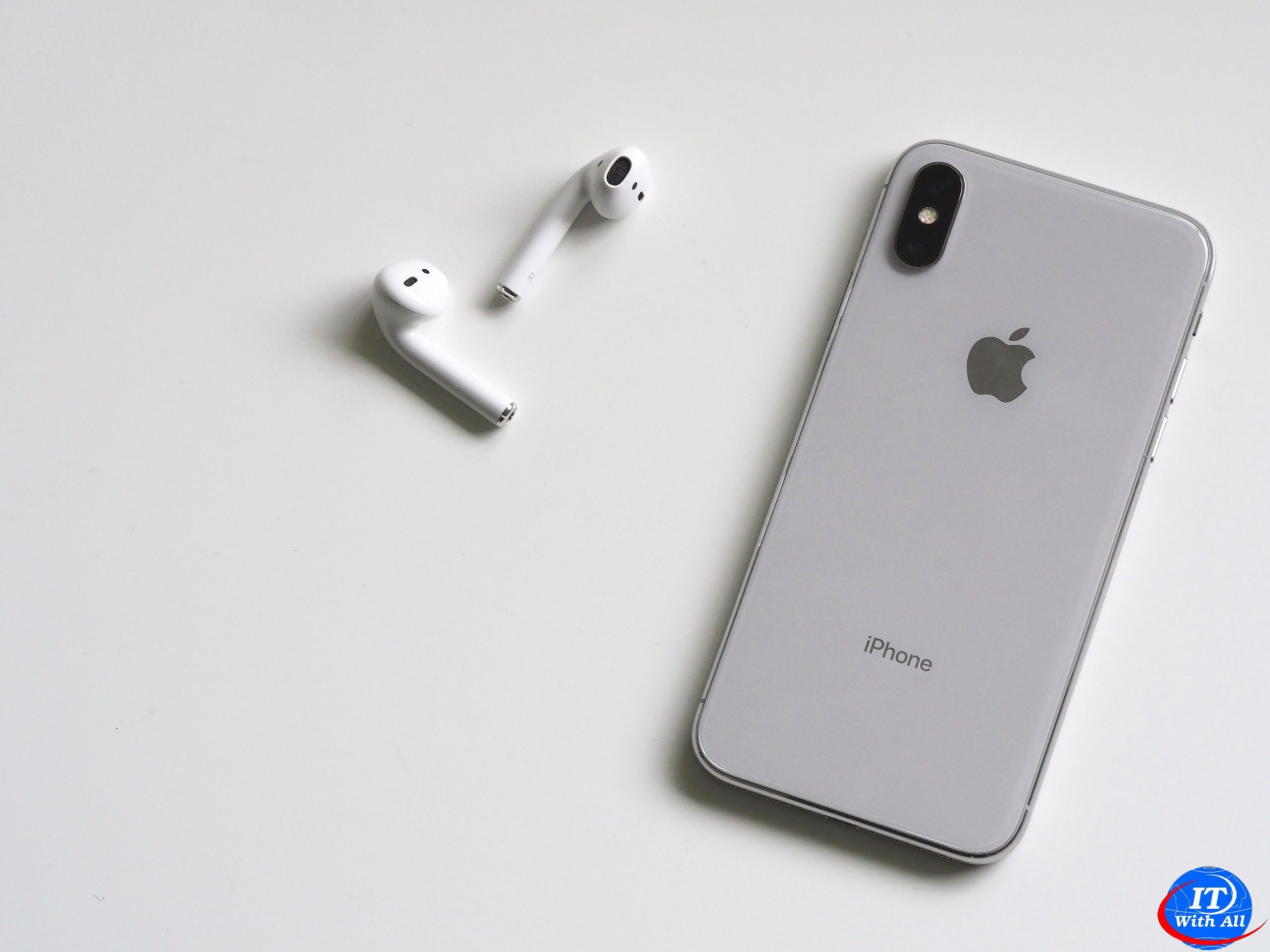
Identify and Compare the iPhone Models
The iPhone is a series of hugely popular smartphones designed by Apple. As of this writing, Apple sells seven iPhone models that differ in size, power, features, and price. This section explains the seven models, their common features, and their differences to enable you to distinguish them and choose among them.
Understanding the Seven iPhone Models
As of this writing, Apple sells seven iPhone models. Four models are in the iPhone 12 family, which Apple introduced in 2020. The base model in this family is called simply iPhone 12. The small model is called iPhone 12 mini. The other two models are in the Pro line and have different sizes. The iPhone 12 Pro is the smaller of the two, and the iPhone 12 Pro Max is the larger.
• iPhone 12. The iPhone 12 has a 6.1-inch OLED screen with 2532×1170-pixel resolution — the same size and resolution as the iPhone 12 Pro. OLED is the acronym for organic light-emitting diode; these screens are considered top of the range and have a wide viewing angle.
• iPhone 12 mini. The iPhone 12 mini has a 5.4-inch OLED screen with 2340×1080-pixel resolution.
• iPhone 12 Pro. The Pro has a 6.1-inch OLED screen with 2532×1170-pixel resolution.
• iPhone 12 Pro Max. The Pro Max has the largest screen of the iPhone models — a 6.7-inch OLED screen with 2778×1284-pixel resolution.
As well as the four iPhone 12 models, Apple sells three older models: the iPhone 11, the iPhone XR, and the iPhone SE.
• iPhone 11. Introduced in 2019, the iPhone 11 has a 6.1-inch screen with 1792×828-pixel resolution.
• iPhone XR. Introduced in 2018, the iPhone XR has a 6.1-inch screen with 1792×828-pixel resolution. The iPhone XR is similar in size and design to the iPhone 11 but contains slightly less powerful hardware and less memory.
Each of these six models has a design featuring thin bezels, rounded screen corners, and a “notch” cutout at the middle of the top edge of the screen. The notch contains the front camera and various sensors for features such as Face ID face recognition.
The third of the older iPhone models, the iPhone SE second generation, has a 4.7-inch screen with 1334×750-pixel resolution and an older design with two main differences from the newer designs. First, this phone has thicker bezels and no notch at the top of the screen; the front camera and its sensors are in the top bezel. Second, in the lower bezel, below the screen, is the Home button, a round button used for navigation and for the Touch ID fingerprint-recognition authentication system. Touch ID is easy to use and is preferable to Face ID if you are wearing a face mask or other personal protective equipment.
The iPhone SE has long been popular among those with smaller hands, smaller pockets, or less need for a huge screen. Since the introduction of the first generation in 2016, the iPhone SE has been considered the cutest iPhone, but the iPhone 12 mini is now challenging it on that front.
Understanding What Is Included in the Box
As of this writing, each iPhone box contains only the iPhone itself and a USB-C to Lightning cable for charging the iPhone and connecting it to a PC or a Mac.
Earlier iPhone boxes included the Apple EarPods headset and a USB power adapter. Apple no longer includes these items on the grounds that most people who buy iPhones already have earphones and power adapters. If you need either a headset or a charger, you can buy them from Apple separately or buy third-party ones.
Understanding Charging and Connectivity
Each iPhone features wireless charging, which you may find easier and more convenient than using a cable. You will need to get a wireless charger separately.
Each iPhone uses a nano-SIM card to connect to cellular networks but can also use one or more eSIMs, virtual SIM cards that you add electronically.
The iPhone 12 models have 5G connectivity, enabling them to connect to fifth-generation cellular networks. The iPhone 11, iPhone XR, and iPhone SE second generation have 4G connectivity. 5G can be up to 100 times faster than 4G, but it is not yet widely available. Check the current and, if possible, future availability of 5G in the areas you will use your iPhone before using 5G as a deciding factor for buying an iPhone.
Understanding the Operating System
Each iPhone runs iOS 14, the latest operating system from Apple, which comes with a suite of built-in apps, such as the Safari web browser and the Mail e-mail app. If you buy an older iPhone model, you may need to upgrade it to iOS 14, but this is easy to do, and there is no charge for the update.
Know Which Colors Are Available for Which iPhone Model
The iPhone 12 Pro models come in four colors: Pacific Blue, Gold, Graphite, and Silver.
The iPhone 12 and iPhone 12 mini come in five colors: Blue, Green, (PRODUCT)RED, White, and Black.
The iPhone XR comes in six colors: Black, White, Blue, Coral, Yellow, and (PRODUCT)RED.
The iPhone SE comes in three colors: Black, White, and (PRODUCT)RED.
Understanding the Cameras on iPhone Models
The iPhone 12 Pro models have triple 12-megapixel cameras on the back, with Ultra Wide, Wide, and Telephoto lenses. On the front is a 12-megapixel camera with depth-sensing features that enable the Face ID authentication and unlocking system.
The iPhone 12, the iPhone 12 mini, and the iPhone 11 have dual 12-megapixel cameras on the back — Ultra Wide and Wide. On the front, these models have a 12-megapixel camera with depth-sensing features for Face ID.
The iPhone XR and the iPhone SE second generation have a single 12-megapixel camera on the back and a 7-megapixel camera with depth-sensing features on the front.
Apart from physical size and key features, you should consider the storage capacity of the iPhone model you are thinking of buying. Having plenty of storage is especially important for shooting videos with your iPhone.
Having more storage enables you to install more apps and carry more music, movies, and other files with you; however, if you stream your music and movies, offload unused apps, and store your files online, you may not need a huge amount of storage.
Compare the iPhone 12 Models with the Earlier iPhone Models
The iPhone 12 models offer a substantial upgrade over the iPhone 11, the iPhone XR, and the iPhone SE second generation. The three biggest differences are that the iPhone 12 models have faster processors, better screens, and improved cameras.
On the processor front, the iPhone 12 models have the A14 Bionic chip and what Apple describes as a “Next-generation Neural Engine.” The iPhone 11 and the iPhone SE second generation have the A13 Bionic chip with third-generation Neural Engine, whereas the iPhone XR has the A12 Bionic chip with second-generation Neural Engine. The nomenclature is fair gibberish, but the newer chips and engines are faster and so deliver better performance.
As for screens, the iPhone 12 models have the Super Retina XDR display with HDR and True Tone, the iPhone 11 and iPhone XR have the Liquid Retina HD display with True Tone, and the iPhone SE second generation has the Retina HD display with True Tone. Briefly, Super Retina is better than Liquid Retina, which in turn is better than Retina. XDR stands for Extreme Dynamic Range, which gives greater brightness and more natural-looking colors than HDR, which stands for High Dynamic Range. The True Tone feature enables the iPhone to adjust its display colors to match the ambient lighting it detects, making colors appear more consistent in different lighting conditions.
As you may well know from experience, the screen tends to be the most vulnerable part of an iPhone. The iPhone 12 models have a new feature called Ceramic Shield that promises “4x better drop performance” — in other words, though these models drop in just the same way as other phones, they suffer less damage on landing.
The newer iPhone models also have somewhat increased water resistance, but while any improvement is welcome, it may not be relevant to you. In practical terms, the improvements mean the iPhone SE second generation should survive 30 minutes in the shallow end of a swimming pool, the iPhone 11 should manage 30-minute immersion in the deep end, and the iPhone 12 Pro models should have no trouble with half an hour in the diving section.
Evaluate iPhone Storage Capacity
The iPhone models are available with different amounts of storage capacity. The following table shows the capacities with sample amounts of contents to give you some idea of what the amounts mean in real terms.
The iPhone 12 Pro models come in 128GB, 256GB, and 512GB capacities.
The iPhone 12, iPhone 12 mini, iPhone SE second generation, and iPhone 11 come in 64GB, 128GB, and 256GB capacities.
The iPhone XR comes in 64GB and 128GB capacities.
Higher capacities command substantially higher prices, so you must decide how much you are prepared to spend. Generally speaking, higher-capacity devices get more use in the long run and are worth the extra cost.
Capacity:64GB Songs:5,000 Photos:4,000 Video:10 hours
Capacity:128GB Songs:10,000 Photos:8,000 Video:20 hours
Capacity:256GB Songs:20,000 Photos:16,000 Video:40 hours
Capacity:512GB Songs:40,000 Photos:32,000 Video:80 hours
Understanding the Reachability Feature
IOS includes a feature called Reachability to help you use your iPhone with one hand when necessary. With the Reachability feature enabled, swipe down on the bottom edge of the screen to slide the screen down so that you can easily reach the top of it. On the iPhone SE, you double-tap Home — double-tap rather than double-press — to slide the screen down. After you give a command, the screen slides back up again; if you decide not to give a command, tap Restore (
) to slide the screen back up; on an iPhone SE, double-tap Home again. Alternatively, wait a few seconds, and the iPhone slides the screen back up automatically.
To enable Reachability, first tap Settings (
), tap Accessibility (
), and then tap Touch (
). Near the top of the Touch screen, set the Reachability switch to On (
).
Understanding the Live Photos Feature
All of the current iPhone models include a feature called Live Photos that enables you to capture short sections of video before and after a still photo. After capturing the Live Photo, you can make the video segments play by tapping and holding the photo.
You can view your Live Photos on other Apple devices, such as your iPad or your Mac. You can also use a Live Photo as the wallpaper for your iPhone’s lock screen.