
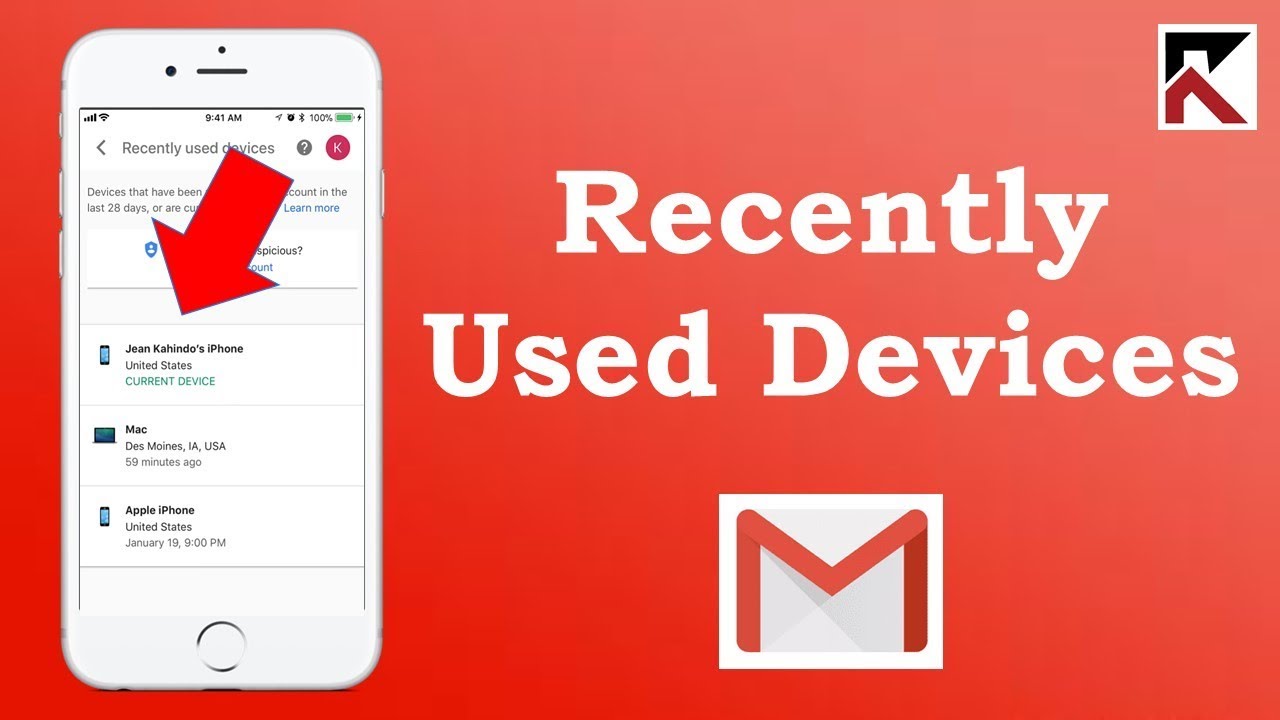
If you have forgotten to logout by logging your Gmail ID on a laptop or computer other than your system, then this news is for you. Here we will tell you how you will be able to logout your ID from everywhere.
We are currently using Gmail for all office or school / college work. It is possible that we must have logged our Gmail ID on any laptop or computer other than our system, but may have forgotten to logout due to some reason. In such a situation, our personal data and email can be leaked. If this has happened to you too, do not worry. Today we will give you information about a special way, through which you will be able to logout your Gmail account from everywhere.
Follow these steps :
• Where is your Gmail ID login. To find out first go to the Chrome browse
• Login by entering Gmail ID and password here
• Now go to the settings of Gmail, here you will see the option of Change Account Settings
• It will have an other Google account setting, click on it
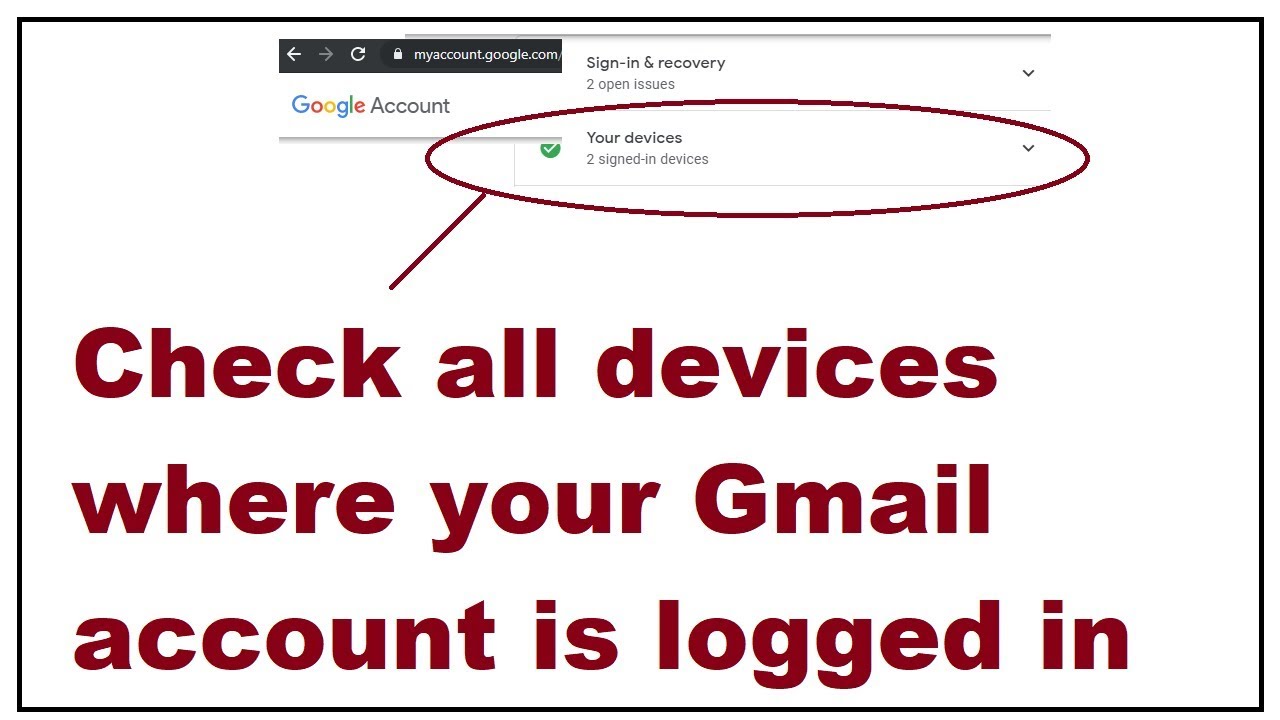
• A new window will open in front of you, tap on Security in it and click on Your Device.
• Here you will see the devices on which your Gmail ID will be logged.
• From here you can logout Gmail ID


